

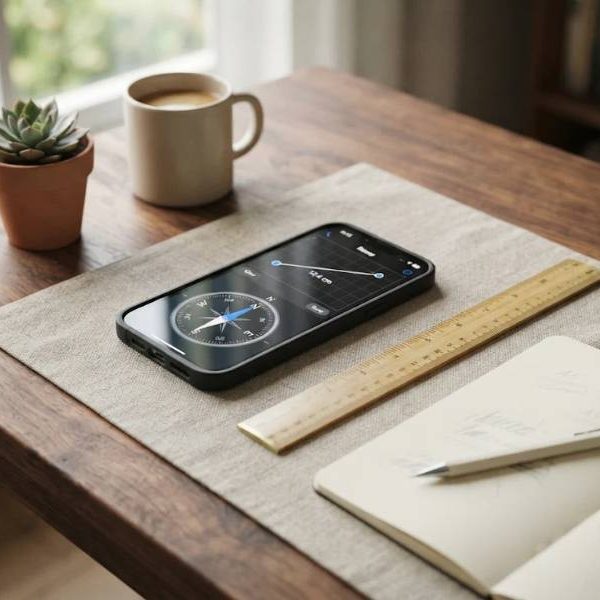
A modern smartphone is a pocket laboratory. It carries an accelerometer, a gyroscope, a magnetometer, a barometer, a camera, a microphone and a light sensor. With the right apps, those sensors can level a shelf, measure a room, find north or check how loud a restaurant really is. Most of these tools are free or cheap, and a handful are good enough to replace small gadgets.
Here are the apps and tools that are genuinely worth installing, and how to get accurate results from them.
Compass and Direction
The magnetometer detects the Earth's magnetic field and turns it into a compass. It works well outdoors, but metal objects, magnets and electronics can distort readings. Calibrate by moving the phone in a figure eight pattern, and step away from cars, keys and speakers. A good compass app also shows true north, which differs from magnetic north depending on where you are.
Spirit Level and Angle Measurement
The accelerometer and gyroscope allow a phone to act as a digital spirit level. Lay it on a shelf or lean it against a frame to check whether surfaces are straight. Many apps also measure angles, such as the slope of a roof or the tilt of a ramp. Calibrate on a surface you know is flat, then flip the phone to confirm the reading is consistent.
Distance and Room Measurement
Camera based measuring tools use augmented reality to estimate distances. Phones with depth sensors are more accurate, but even basic models work for rough planning. For furniture and decoration, they save a lot of trips with a tape measure. For anything that needs precision, such as cutting materials, confirm with a physical tool.
Symmetry and Geometry Tools
Some apps focus on shape, pattern and symmetry. Designers and teachers use them to explore reflection, rotation and proportion, and photographers use grid overlays to compose images. Students can use graphing and geometry apps to visualise equations and shapes on a phone screen, which turns abstract ideas into something they can touch.
Sound, Light and Environment
A decibel meter app uses the microphone to estimate noise levels. It is helpful for comparing environments, though phone microphones are not calibrated like professional equipment. Light meter apps help photographers and plant owners judge brightness. Barometer based apps show pressure changes that can hint at coming weather. Treat all of these as indicators, not laboratory results.
Developers who build such tools rely on platform documentation. The Android sensors overview explains how motion, position and environmental sensors work, and which limitations apply.
Scanning, Notes and Document Tools
Phone cameras turn documents into scans, extract text, sign PDFs and save receipts. Scanning apps straighten pages, boost contrast and export searchable PDFs. They are handy for expense reports, contracts and travel documents. Store sensitive scans in an encrypted folder and delete copies from public cloud folders when you no longer need them.
Translation and Language Apps
Camera translation tools read signs and menus and replace the text on screen, which is a delight when travelling. They are less reliable with handwriting, specialised terms and long sentences. For apps and games released in Korea, for instance, developers and publishers use Korean translation services to adapt interfaces and store listings, so that users find natural wording and not literal output from a machine.
Building Apps for Other Markets
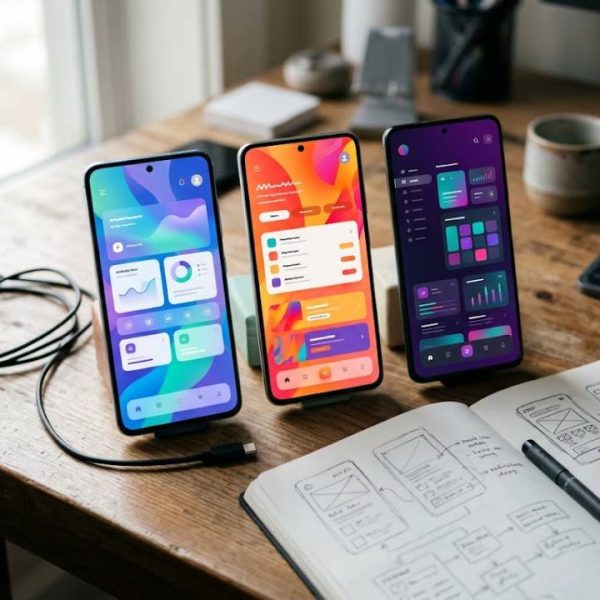
If you develop a small tool and want it to reach people elsewhere, plan for localisation from the start. Separate text from code, test long strings and consider cultural differences in symbols and units. This article on English to Romanian translation illustrates the practical issues that arise when moving an app into a new language, including diacritics and formal address.
Privacy and Permissions
Be careful with app permissions. A compass does not need access to your contacts, and a level does not need your microphone. Review what each app requests, deny anything unrelated and uninstall tools you no longer use. Prefer apps from reputable developers with clear privacy policies and recent updates.
Apps for Hobbies and Learning
Star charts identify constellations when you point the phone at the sky. Plant and bird identification apps use the camera to name what you see, which makes walks more interesting. Music tuners, metronomes and fitness trackers turn the same sensors into practice tools. Many of these apps work offline, which helps when you are hiking or travelling.
Accuracy and How to Test It
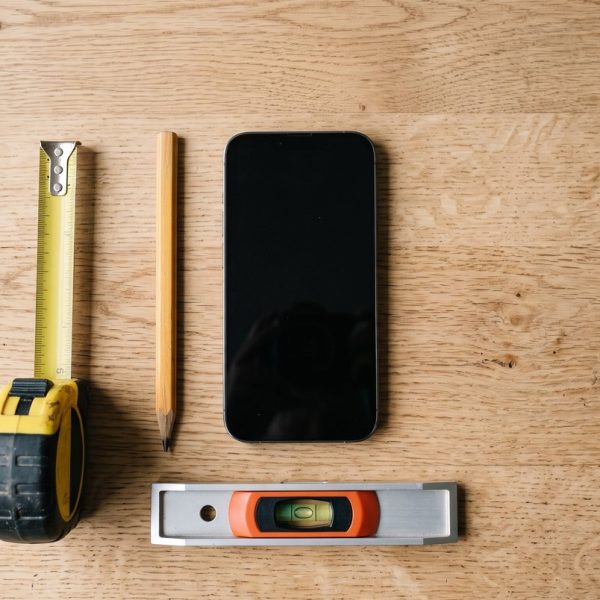
Any measuring app benefits from a quick check against a known reference. Compare a distance with a tape measure, a level with a trusted bubble level and a decibel reading with a second device. If results differ by a wide margin, try another app or recalibrate. Knowing the error range tells you when a phone is good enough and when to reach for a proper instrument.
Battery and Storage
Sensors drain battery when left running. Close apps after use, and turn off continuous scanning features. Keep a few good apps, not dozens, and clean out your storage every few months.
A Short List to Start
Install a compass, a level, a measuring tool, a document scanner and a translation app. These five cover most everyday needs and make your phone far more useful than a camera and a messaging device. Add others slowly, and keep only what you actually use.
Recent Posts
Can Your Phone Really Measure ...
Localizing Phone Apps for New ...

Why Android Phones Are Becomin...

How Editing and Proofreading I...

AI Tools Behind the Latest Pho...

Innovating Health with Medical...
Share it.

Links
We use cookies
We use cookies to give you the best online experience, remember your preferences, and understand how the site is used. You can accept all cookies, reject optional ones, or choose which categories to allow.
Privacy PolicyCookie preferences
Choose which cookies we can use. Necessary cookies stay on because the site cannot work without them.
For more details, read our Privacy Policy.